School attendance app

Automated attendance, with the parent told the same minute

Attendance is the one record every parent wants confirmed daily and every regulator wants kept accurately. School eDiary handles both — marked by the teacher in a few taps, or captured automatically at the gate by face, QR or biometric.

Three ways to mark it

Pick the method that fits your campus

Schools start with in-app marking and add hardware later. Both feed the same record.

Marked in the app

A class teacher opens the class and marks present, absent or late. Under a minute for a full class.

Face or QR at the gate

Students are recognised as they walk in. The record is captured without anyone entering anything.

Biometric

Fingerprint readers where the institution wants attendance that cannot be proxied or passed on.

The notification

The part parents actually care about

A parent does not want an attendance report at the end of the month. They want to know, on the morning their child did not arrive, that the child did not arrive.

School eDiary sends that notification the moment attendance is marked — whether a teacher marked it in class or a face was recognised at the gate. For a working parent who has just dropped a child at the bus stop, that single message is the reason they keep the app installed.

Schools control what goes out: notify only absentees, notify everyone, or notify by class. And because it is a push notification rather than an SMS, it costs nothing per message.
  • Present, absent, late — with a comment where the teacher needs one
  • In and out — where face, QR or biometric readers are installed, both directions are recorded
  • No SMS bill — push notifications replace paid SMS entirely
  • Leave applications — parents apply in advance with a document attached
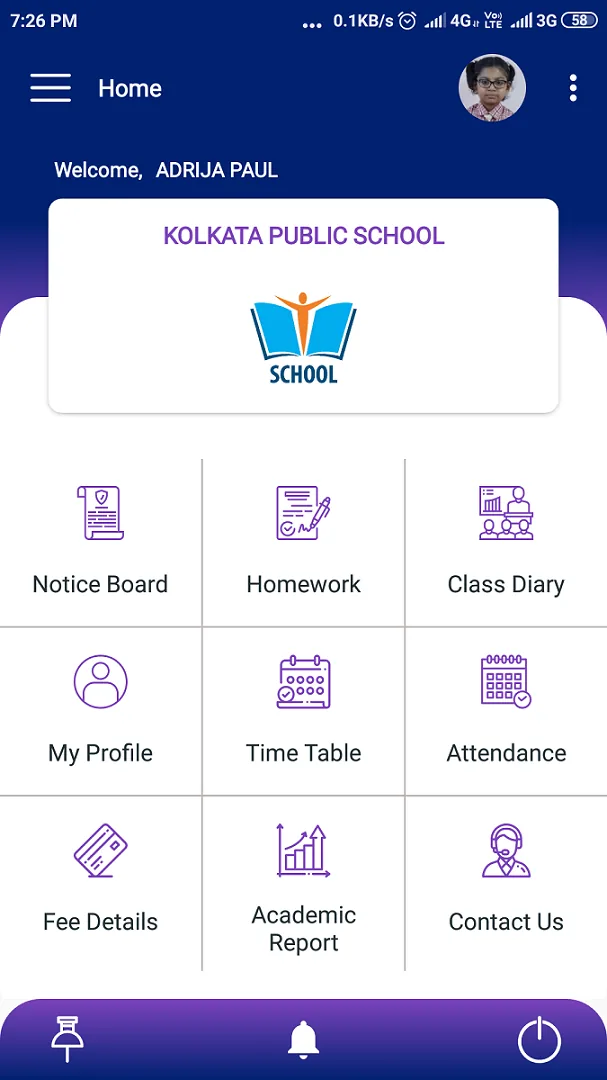
School eDiary home dashboard with notice board, homework, attendance and fee shortcuts School eDiary navigation menu showing every module available to a parent
The record

What the school gets out of it

Every mark goes into one register that the office, the class teacher and the parent are all reading from. That removes the recurring argument about whether a child was present on a particular day, and it removes the end-of-term scramble to reconcile a paper register.

Attendance percentages for the academic year are calculated continuously, so a shortfall is visible in October rather than discovered in February. Teachers can view or correct their own class from the app; the office can pull the whole institution from School On Web.

Where the institution has to report attendance data to a board or to a state system, the underlying record is already in one consistent place rather than spread across registers.

School eDiary homework list with subject, teacher and submission date School eDiary weekly class time table with period timings and teachers
Questions

School attendance app — frequently asked

How does automated attendance work?
Students are identified at the gate by face recognition, a QR code on their ID, or a biometric reader. The reader records the entry and the exit, the record lands in School On Web, and the parent gets a push notification. No register, no manual entry, and no possibility of a proxy mark.
Can teachers still mark attendance by hand?
Yes — and most schools do it that way to begin with. A class teacher opens the class in the app, marks present, absent or late, adds a comment where needed, and submits. It takes under a minute for a full class.
Do we need to buy hardware?
Not to start. In-app marking needs nothing but the app. Face-recognition units, QR scanners or biometric readers are an optional add-on we supply and install when you want to automate the gate.
Will parents get an SMS or a notification?
A push notification through the app, which costs nothing per message. Institutions that still want SMS for certain events can have both.
Can we choose who gets notified?
Yes. You can send to absentees only, to present students only, to both, or to nobody — set per class, per your own policy.
Get started

See it running with your school’s own data

Tell us about your institution and we will set you up with a 30-day trial — no card required.

School eDiary navigation menu showing every module available to a parent School eDiary homework list with subject, teacher and submission date